

01
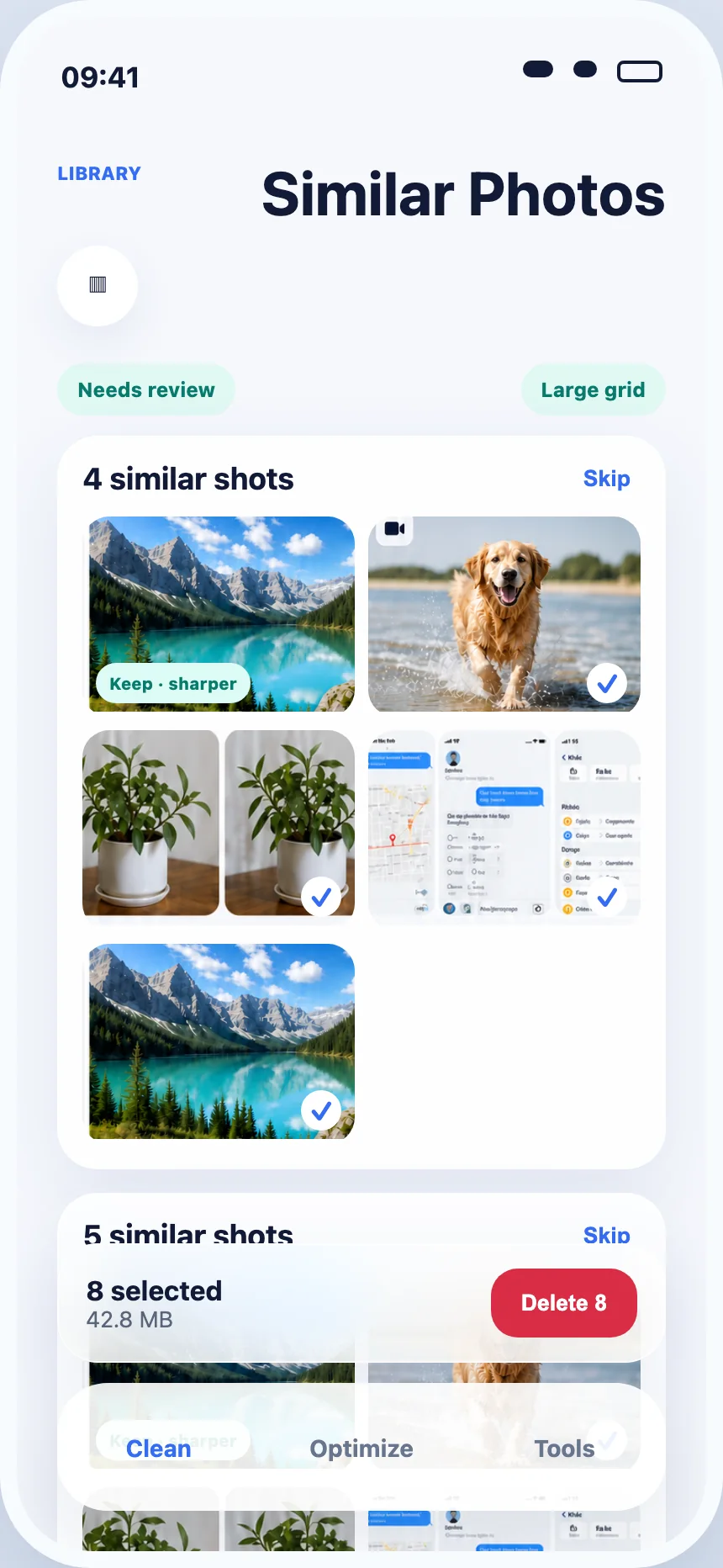
Duplicate and similar photos
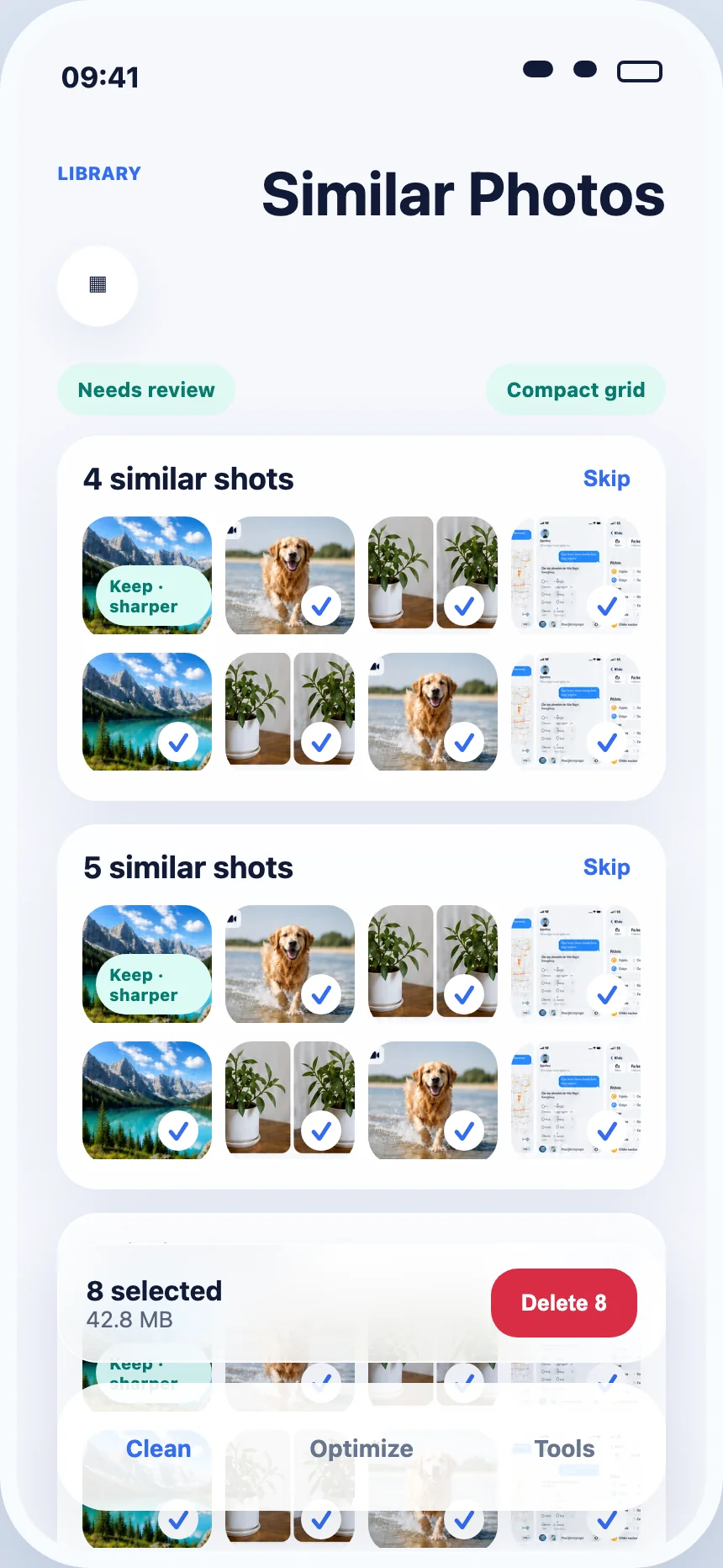
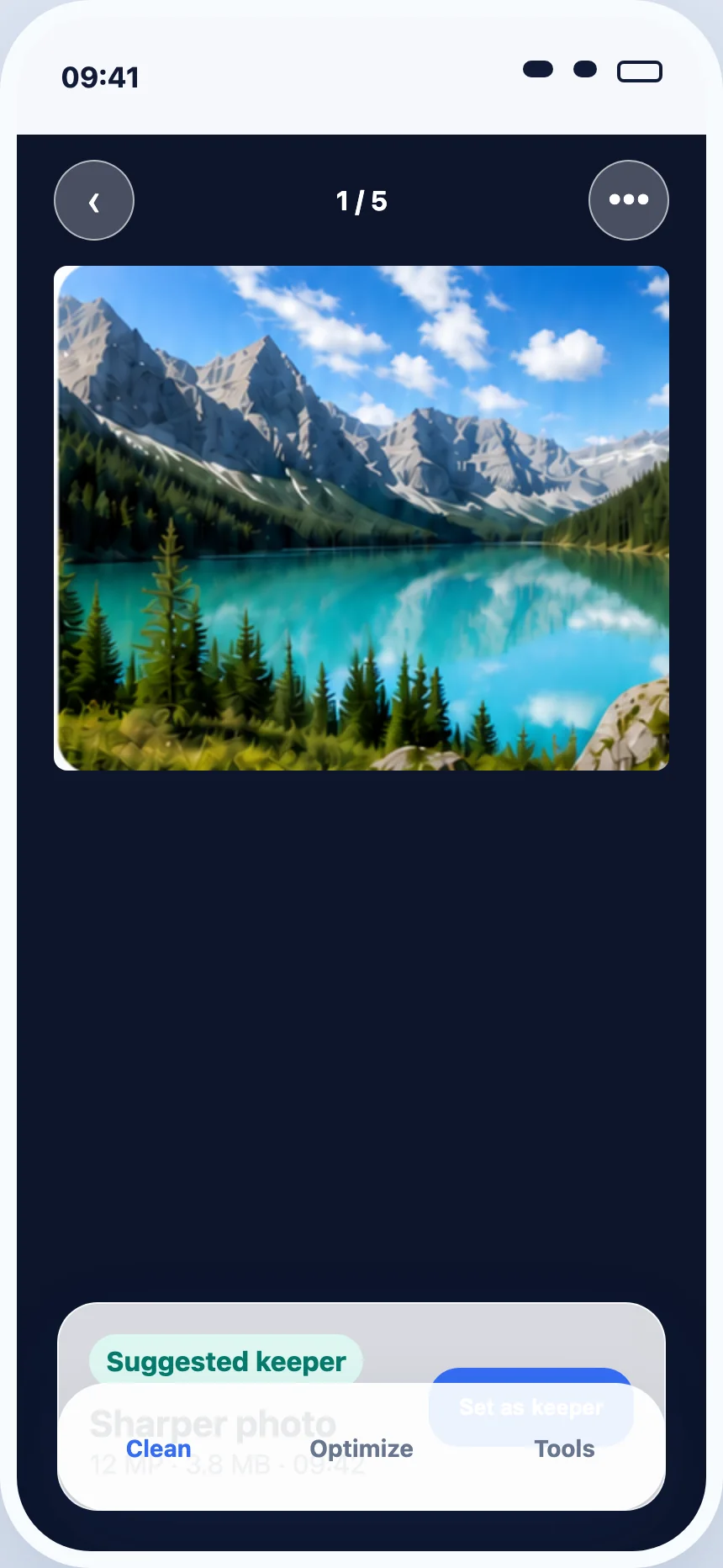
Compare groups, keep the best shot, and change the suggested keeper whenever you want.
- Exact duplicates grouped separately
- Large and compact review modes
- Final iOS confirmation before removal

Made for iPhone
PureClean AI finds duplicate photos, similar shots, and large videos for you to review before deleting. Less clutter, without the guesswork.
Free to download · In-app purchases · Requires iOS 17.0 or later
 Favorites stay safe
 Review before deleteSee every suggestion firstYour memories stay yoursLibraries are not stored on our servers
 Designed for iPhoneSimple, familiar, and focused
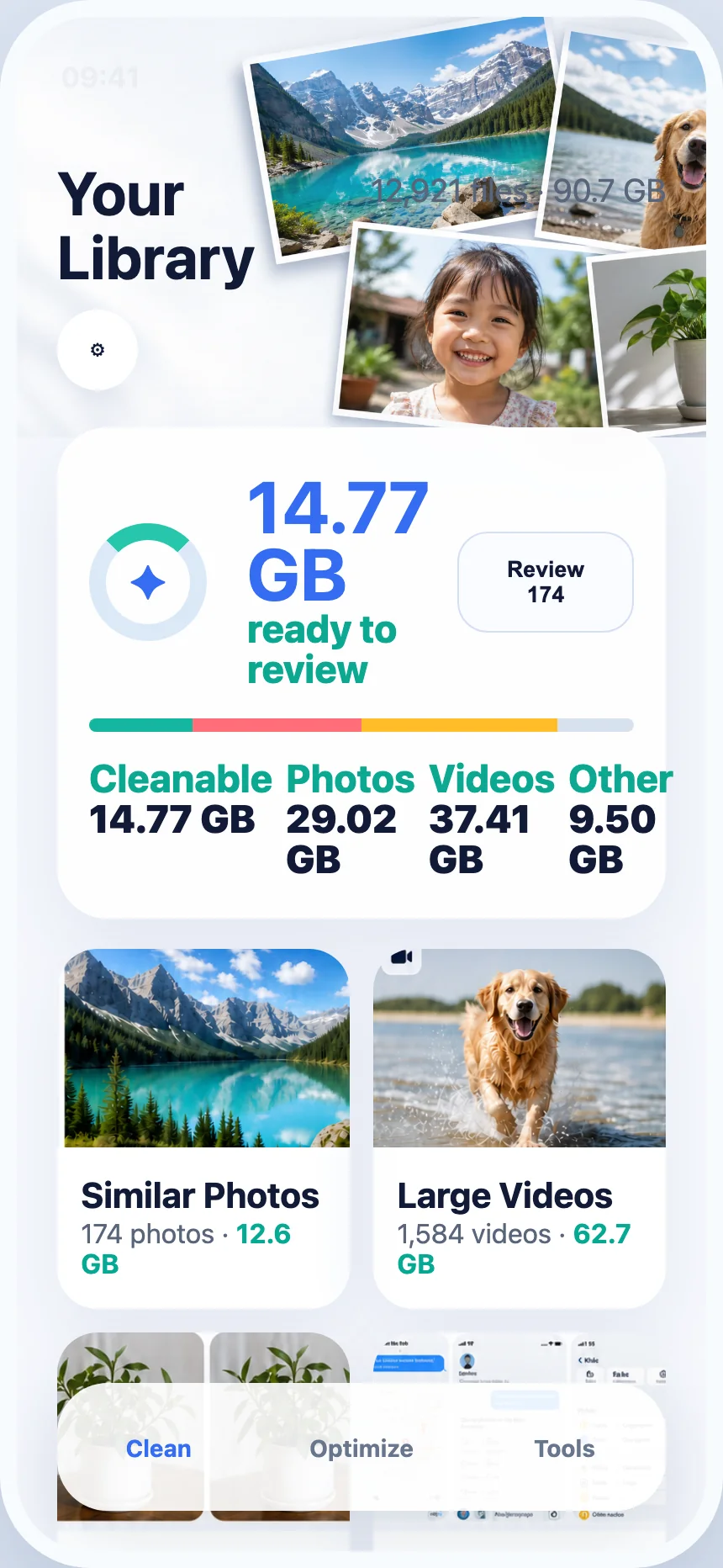
Storage, understood
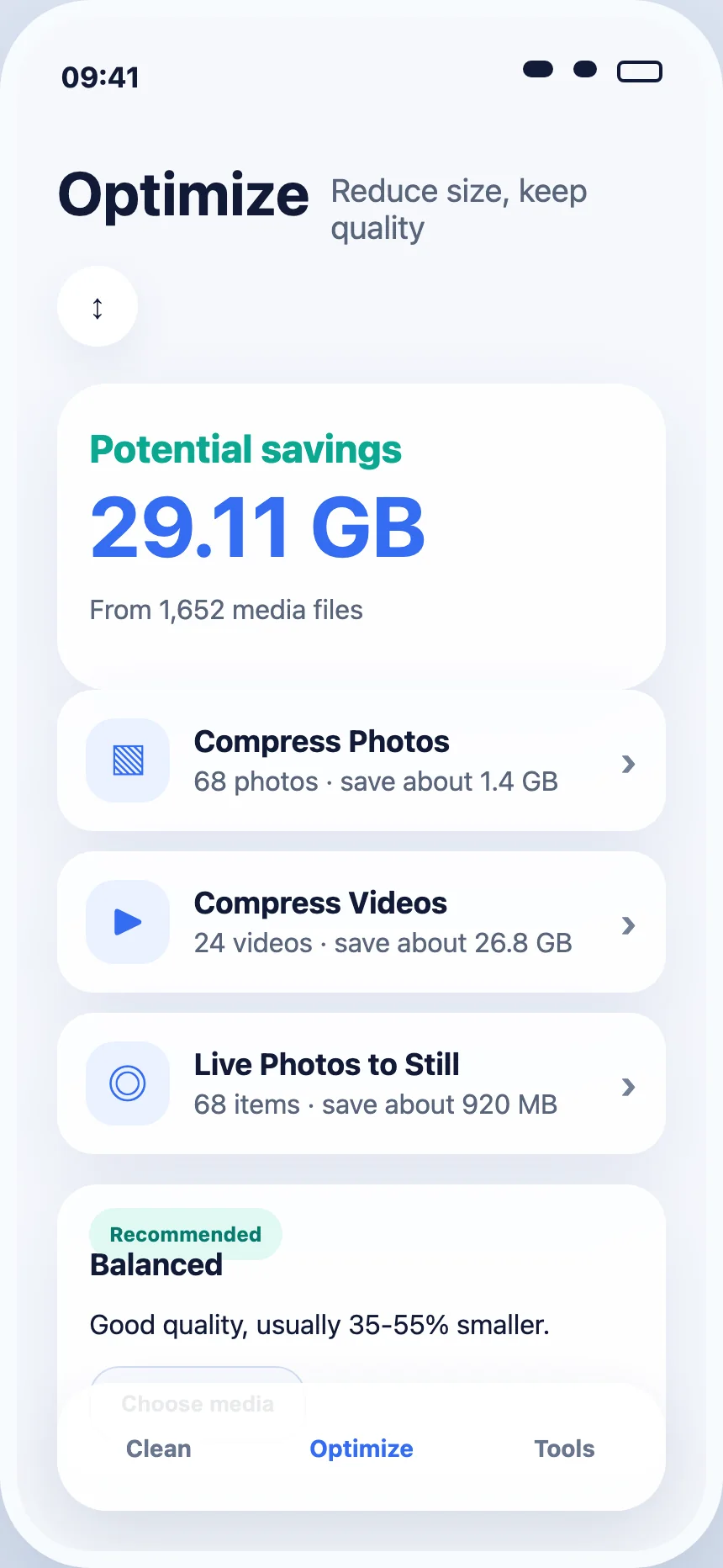
PureClean AI turns thousands of files into clear groups, so you can start with the clutter using the most space.
One calm place to clean
PureClean AI organizes the library into tasks that make sense. No mystery score. No automatic deletion.
01
Compare groups, keep the best shot, and change the suggested keeper whenever you want.
02
See which videos take up the most storage, then decide what is still worth keeping.
03
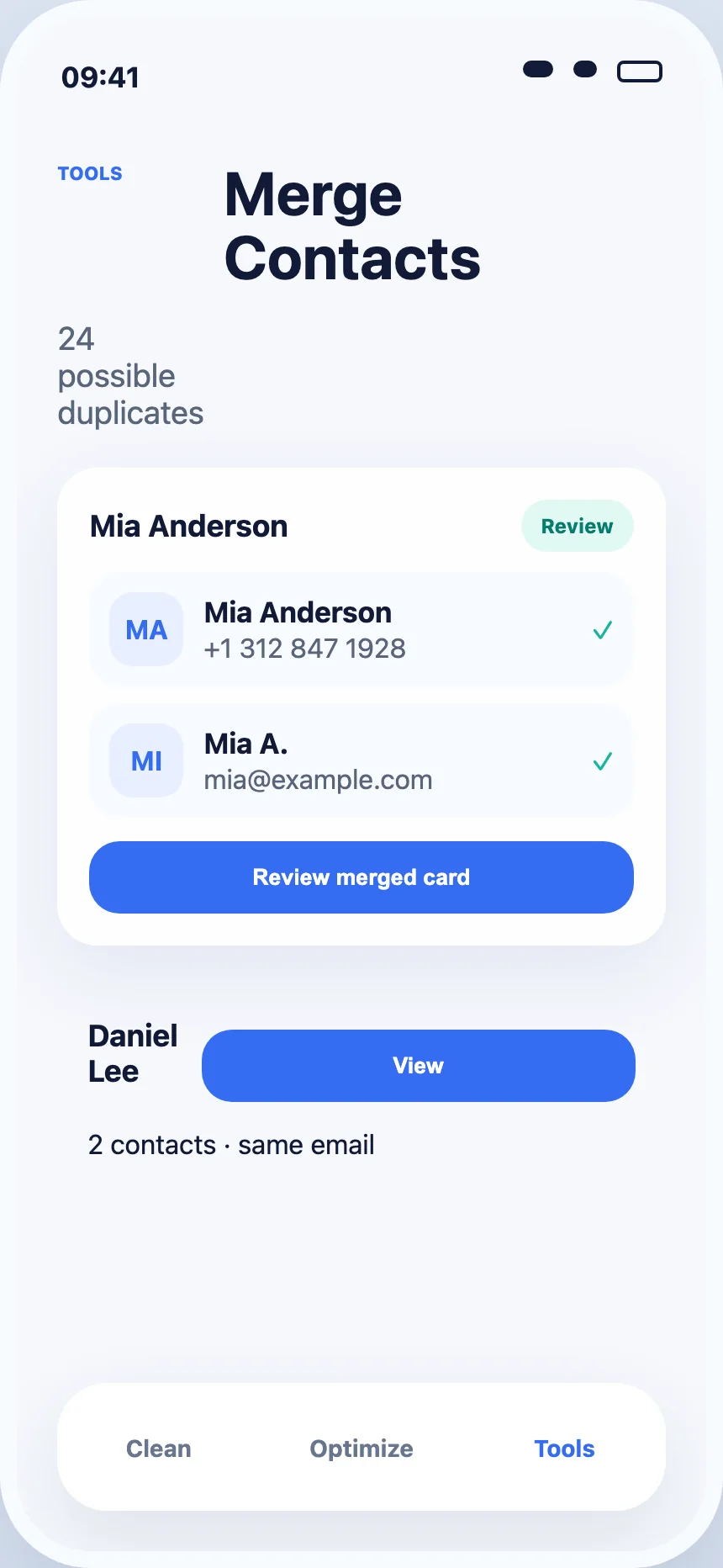
Review duplicate and similar contacts in one focused tool.
Safety is the feature
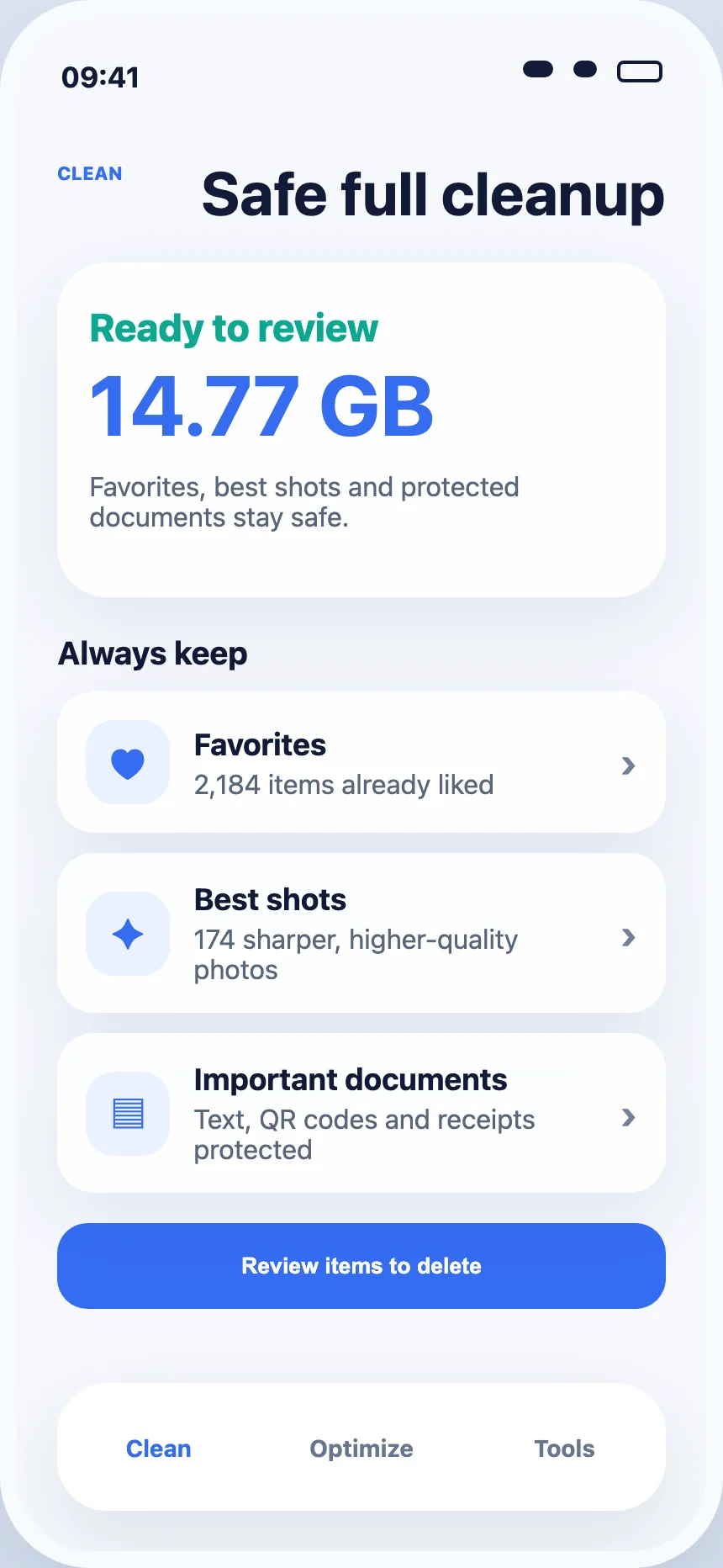
PureClean is designed around review, not blind deletion. Important items stay visible, and nothing is removed until you approve the final iOS prompt.
See the suggested keeperCompare quality before choosing what to remove.
Protect important itemsFavorites and sensitive content deserve extra care.
Confirm with iOSApple Photos asks again before moving any item.

How PureClean works

PureClean groups duplicates, similar photos, large videos, and contact matches.
Open each group, compare items, and change what you want to keep.

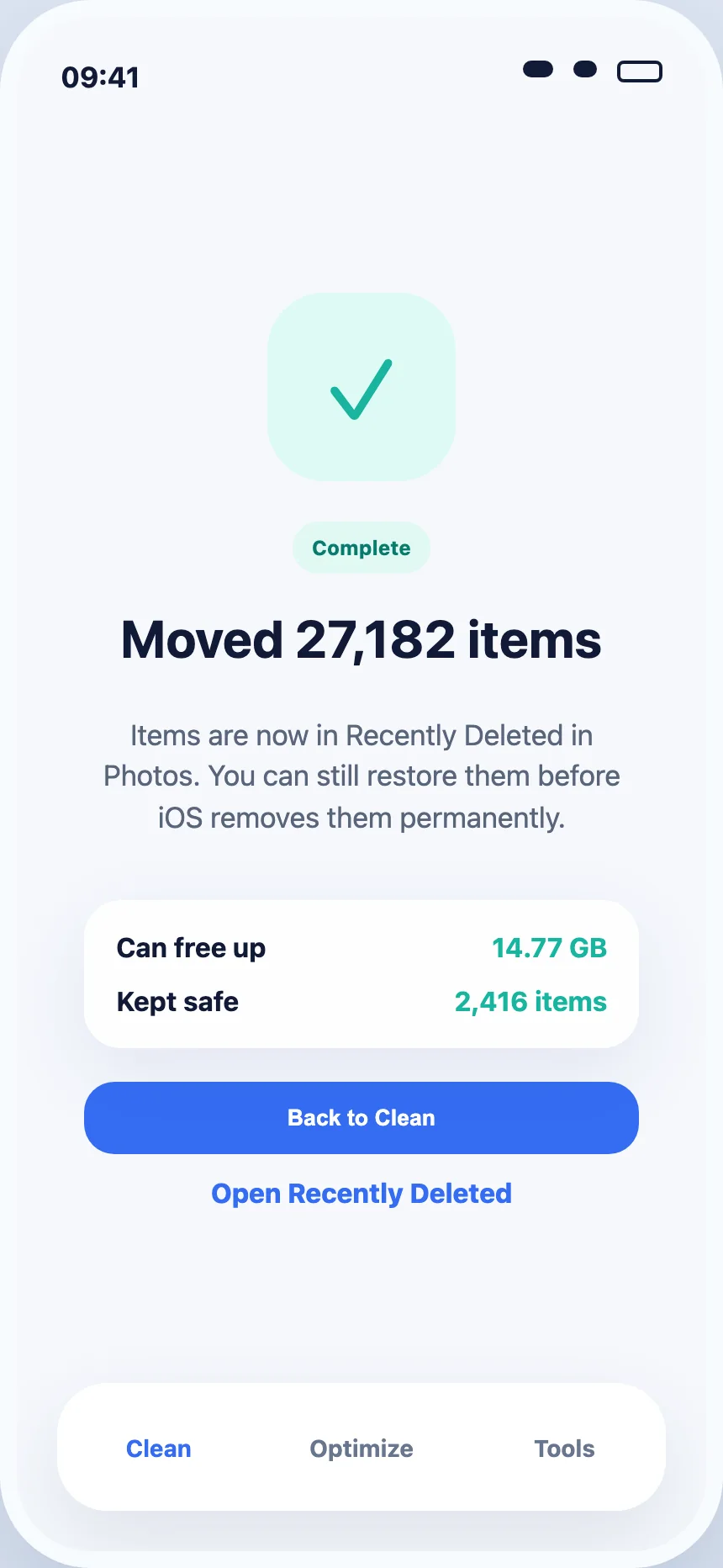
Approve your selection, then complete the native iOS Photos confirmation.
Built to feel at home
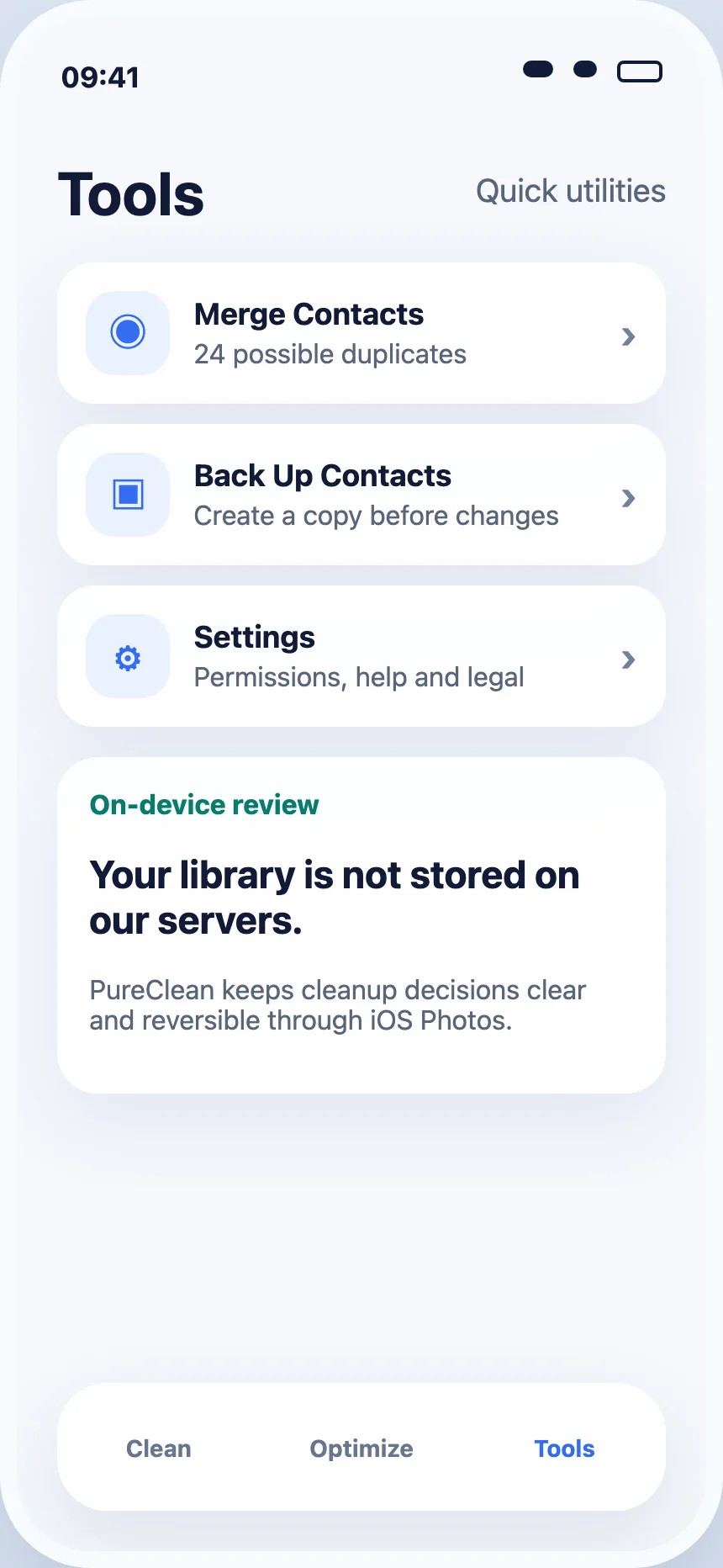
Familiar controls, clear categories, and a calm interface built for repeated decisions.
Privacy, clearly stated
Questions, answered
Everything you should know before cleaning your iPhone library.
PureClean AI scans the photo library for duplicate and similar photos and helps you review large videos. You choose what to remove before iOS asks for final confirmation.
Yes. PureClean AI groups duplicate and similar photos so you can compare them and decide which copies to keep.
No photo is removed without your review and the final iOS Photos confirmation.
Yes. PureClean AI helps identify large videos so you can review the files using the most storage.
Yes. PureClean AI includes a contact cleanup tool for reviewing and merging duplicate or similar contacts.
PureClean AI does not store your photo, video, or contact libraries on its servers. Read our Privacy Policy for complete details.
Ready when storage gets tight
Download PureClean AI and start reviewing your iPhone library today.
Download on theApp Store